
Jimakun: Big Text Captions
Caption and speech-to-text apps for seniors: how to choose
For anyone looking for a smartphone app that turns speech into large live captions for an older parent. This guide explains how to choose between caption apps, transcription apps and speech-to-text apps for iPhone and iPad.
Live captions, real-time transcription and voice-to-text sound similar, but recording a meeting and helping a family conversation require different features.
Last updated:
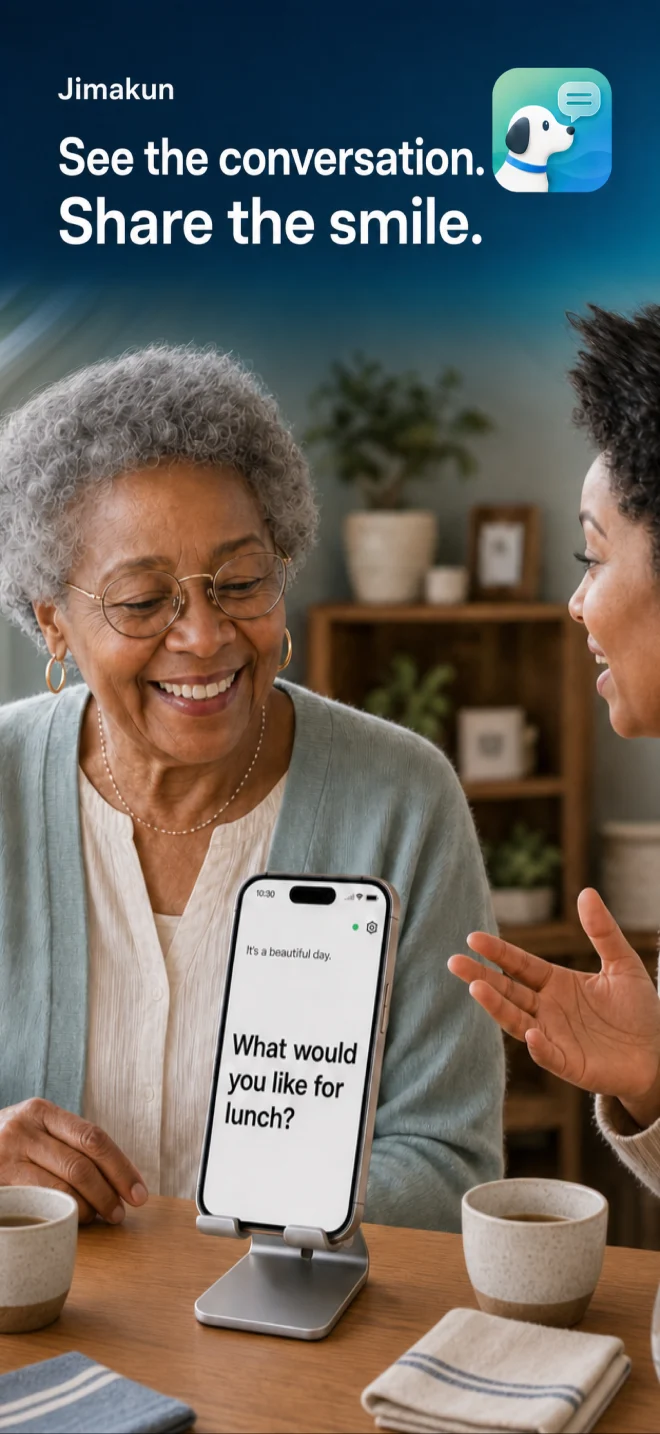
Actual app screen
See what your family says
Turn what people say into big, easy-to-read captions. No adverts, no sign-up, nothing saved. 22 listening languages plus translation. Free for 7 days, then one payment.
Five things to check in a senior-friendly caption or transcription app
01
Large readable captions
02
Very few controls
03
Clear listening status
04
Family-assisted setup
05
A clear data-retention policy
Conversations with a hard-of-hearing parent or family member
A smartphone microphone can transcribe conversation in real time so missed words can also be read as captions. It does not replace a hearing aid; it adds reading as another way to follow the conversation.
Speech-to-text at hospitals and in care settings
Captioning can help with routine details such as appointment times and where to go. Never rely on automatic transcription alone for diagnoses, medication, emergencies or other critical instructions.
Apple Live Captions or a dedicated speech-to-text app?
iPhone includes Live Captions for nearby speech and device audio where supported. A dedicated smartphone app can be better when the priority is opening one app and showing face-to-face conversation in very large, screen-filling text.
What family can set up first
- Choose a text size the person can read
- Decide where the device will sit
- Create one simple way to open the app
About Jimakun
Jimakun turns the words spoken in front of you into large, clear captions on your screen.
It helps at home when someone is hard of hearing. It helps with short exchanges at the doctor's surgery or a reception desk, and with conversations while you are out and about. Captions begin as soon as you open the app. There is nothing to set up each time and no account to create.
WHAT JIMAKUN DOES
- Shows what is said in big captions that fill the screen - Five text sizes to choose from - White, black or sepia backgrounds - Keeps the previous sentence on screen in smaller type - Horizontal or vertical text (vertical is for Japanese and is experimental) - A choice of two typefaces, sans serif or serif - Add names of people and places to your own word list, so they are recognised more easily - Switches to an external microphone automatically when one is connected - 22 listening languages - Translates what it hears into another language - Change the app's display language from inside the app
SIMPLE TO USE
1. Open the app 2. The first time only, allow the microphone and speech recognition 3. Speak, and the words appear as big captions
There is no start button to press each time. Once a family member has chosen the settings, the person using it only has to open the app.
PRIVACY MATTERS
Jimakun does not keep your captions or any record of your conversations in the app. There is no account to register, no adverts and no tracking for advertising.
Depending on your device and the language you choose, an internet connection may be needed for Apple's speech recognition.
ABOUT TRANSLATION
Translation is not always right. For anything important, such as medical, legal or emergency matters, please check again with the person you are speaking to.
PRICE
Everything is free to use for seven days after you download the app. After that, a single one-off payment lets you carry on using it. There is no monthly subscription and there are no adverts.
Make the voices around you easier to see. Jimakun quietly supports the conversations of everyday life.
Privacy Policy
Terms of Service
Frequently asked questions
Is there an app that shows nearby speech as large live captions?
Yes. Jimakun displays speech near an iPhone or iPad as large live captions. It is made for everyday conversations between people who are hard of hearing and their families.
Confirm important information another way
Speech recognition and automatic transcription can make mistakes. Confirm names, dates, medication, prices and emergency information directly.